

Chains
Solana Support in AirVault
Solana support in AirVault: the m/44'/501' derivation path, SPL token review, durable nonce sends, Lumio devnet reads, and known limits.
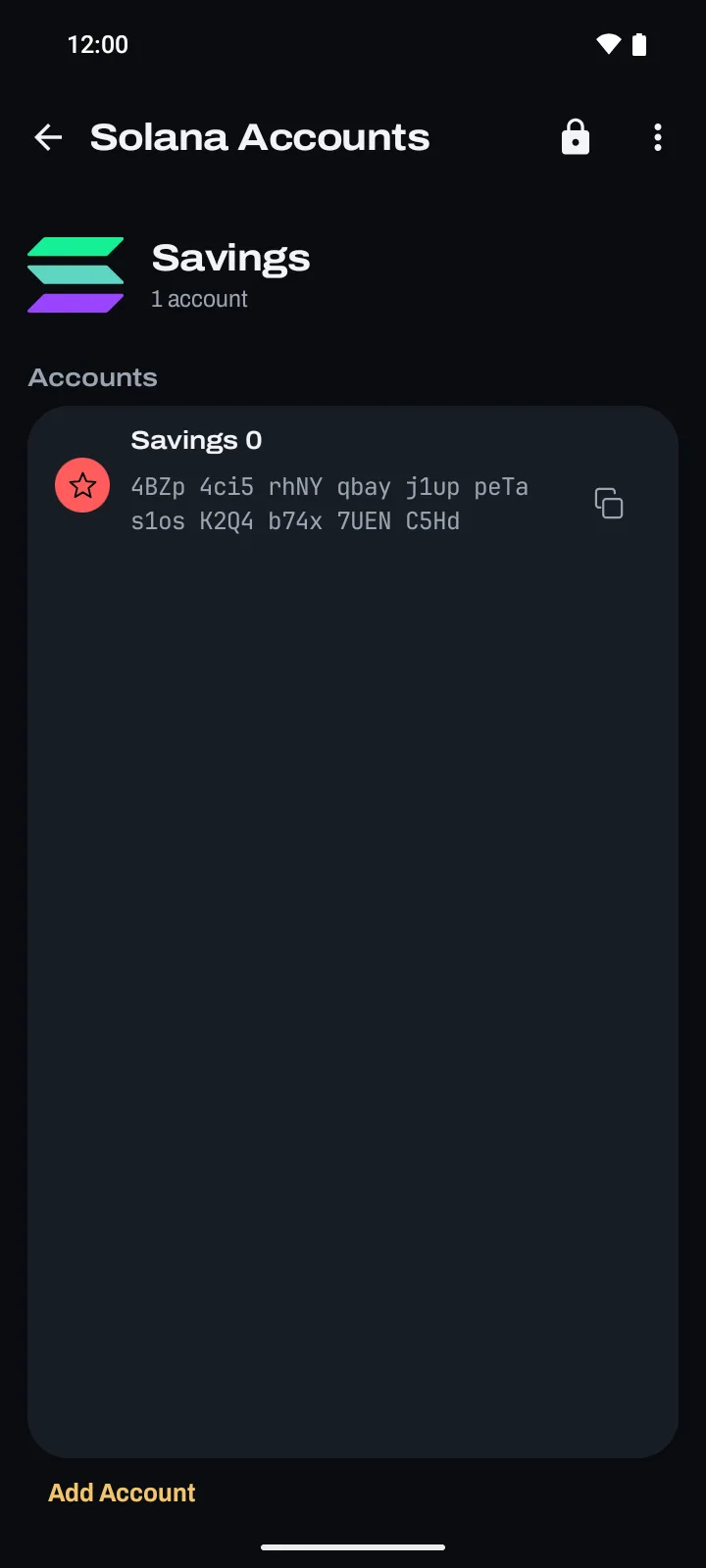
Lensly holds Solana keys and signs Solana transactions after it shows a full review. Lumio reads SOL and SPL token balances, sends them, and checks each transaction before it broadcasts. This page covers the derivation path, what each app supports, and the known limits.
Derivation Path
Account N uses the path m/44’/501’/N’. Lensly derives each Solana key with SLIP-0010 on Ed25519. The path matches Ledger Live, so a wallet restored on a Ledger shows the same Solana addresses.
What Each App Supports
| Feature | Lensly | Lumio |
|---|---|---|
| Signing | Signs Solana transactions after review, and shows the cluster in the request | Sends SOL and SPL tokens |
| Tokens | Reviews SPL transfers against a bundled token list | Shows SPL token balances |
| Durable nonces | Reviews nonce advance and nonce account setup | Sets up a durable nonce once, then uses it for sends |
| Messages | Signs only the off-chain message format | Not applicable |
Lensly warns you about Token-2022 transfers in the signing review. A Token-2022 mint may carry extensions that Lensly cannot read offline: a transfer fee, a transfer hook or a permanent delegate.
Test Cluster
Solana Devnet is the only test cluster that Lumio reads.
Known Limits
- Lumio must be online to send, because it reads the network to build the transaction and to submit it.
- A durable nonce setup in Lumio is rebuilt when the blockhash expires.
- Lumio checks a legacy SOL transfer before it broadcasts the transaction that Lensly signed.
- Lensly signs Solana messages only in the off-chain format.
Next Steps
Read Algorand Support in AirVault for the last chain family. To send SOL, follow How to Send a Transaction with Lensly and Lumio.