

Chains
Algorand Support in AirVault
Algorand support in AirVault: the m/44'/283' derivation path, asset opt-in, ASA sends, Ledger Algorand app compatibility, and known limits.
Lensly holds Algorand keys and signs Algorand transactions through the same review flow as the other chains. Lumio shows ALGO and standard asset balances, sends them, and lets you opt in to an asset. This page covers the derivation path, what each app supports, and the known limits.
Derivation Path
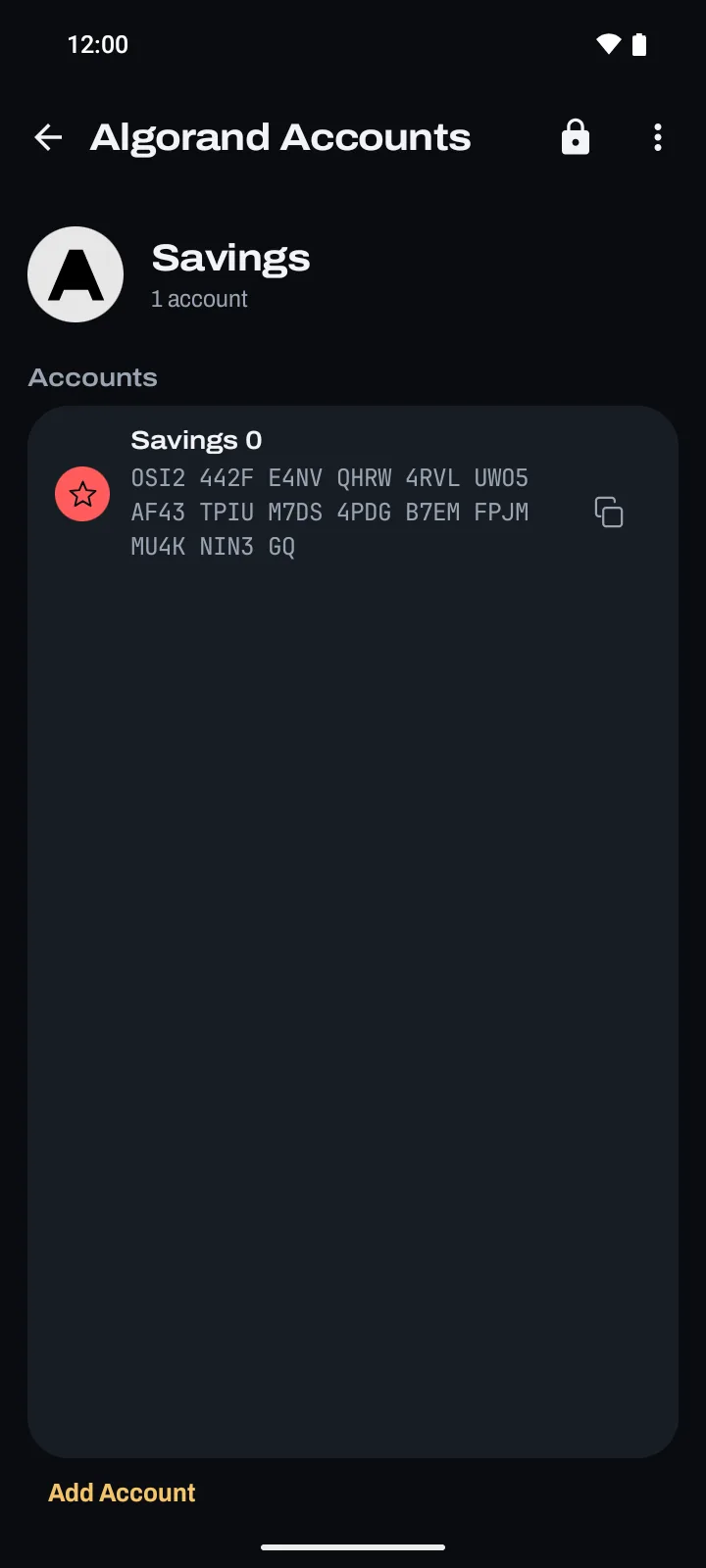
Account N uses the path m/44’/283’/N’/0/0. This is the scheme of the Ledger Algorand app, so a wallet restored on a Ledger shows the same Algorand addresses.
Other Algorand wallets that use the xHD standard derive different addresses from the same recovery phrase.
What Each App Supports
| Feature | Lensly | Lumio |
|---|---|---|
| Signing | Reviews and signs Algorand transactions. Shows validity rounds, the lease and the group ID. | Sends ALGO and standard assets |
| Assets | Reviews asset opt-in and opt-out. Shows asset names and units. Warns about unknown assets. | Shows asset balances. Opts in to an asset from Add Asset. |
| Networks | Not applicable | Algorand Mainnet and Algorand Testnet |
Lensly refuses an Algorand transaction that would rekey the account, that takes assets from another account by clawback, that names a different sender, or whose genesis hash does not match the network.
Known Limits
- Lensly signs Algorand transactions only from the path m/44’/283’/N’/0/0. It refuses other paths.
- Lensly refuses rekey and clawback transactions, so it cannot sign them.
- Other wallets that use the xHD standard show different Algorand addresses for the same recovery phrase.
Next Steps
Read Bitcoin Support in AirVault or Ethereum and EVM Networks in AirVault if you use those chains. To send an asset, follow How to Send a Transaction with Lensly and Lumio.