

Chains
Bitcoin Support in AirVault
Bitcoin support in AirVault and Lensly: script types, BIP84, BIP86, BIP49 and BIP44 derivation paths, Lumio sends, and known limits. Ledger-compatible.
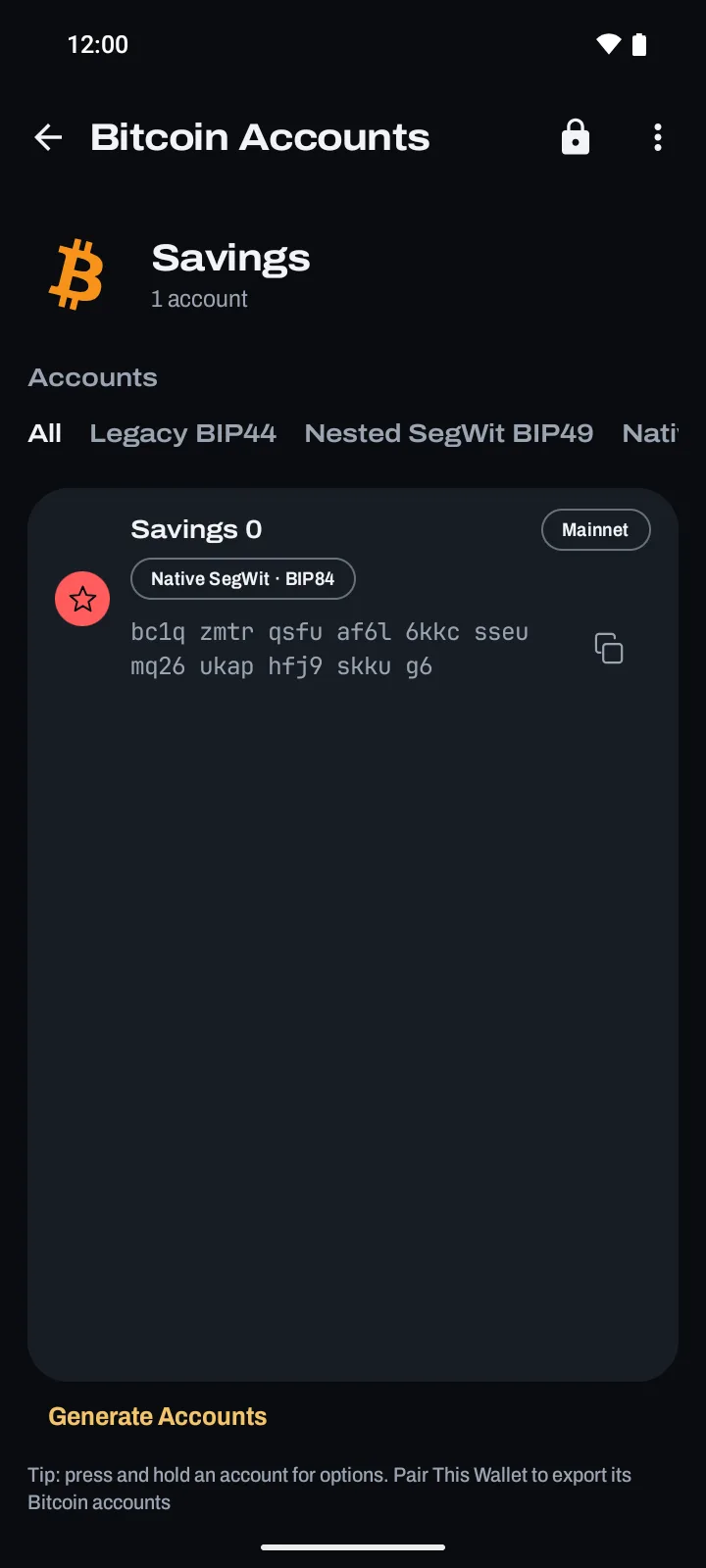
Lensly holds Bitcoin keys and signs Bitcoin transactions. Lumio reads Bitcoin balances, builds the transaction, and broadcasts it after Lensly signs. This page lists what each app supports, the derivation path for each script type, and the known limits.
What Each App Supports
| Feature | Lensly | Lumio |
|---|---|---|
| Keys and addresses | Derives accounts from the recovery phrase | Shows balances and addresses for paired accounts |
| Script types | Native SegWit, Taproot, Nested SegWit and Legacy | Native SegWit, Taproot, Nested SegWit and Legacy |
| Signing | Signs PSBTs shown as animated QR codes, and returns BIP137 message signatures | Builds the transaction as a PSBT, then broadcasts it after Lensly signs |
| Watch-only data | Exports watch-only account data | Imports the watch-only accounts that pairing shares |
| Test network | Reviews and signs Bitcoin Testnet4 requests | Reads Bitcoin Testnet4 only |
Lensly’s Bitcoin Policy in Settings controls how Lensly treats inputs and signing sources.
Derivation Paths
Accounts start at 0. Replace N with the account number. These paths match the Ledger that AirVault’s recovery phrase restores to.
| Script type | Path |
|---|---|
| Native SegWit (BIP84) | m/84’/0’/N’ |
| Taproot (BIP86) | m/86’/0’/N’ |
| Nested SegWit (BIP49) | m/49’/0’/N’ |
| Legacy (BIP44) | m/44’/0’/N’ |
Receive addresses use the path suffix /0/i, and change addresses use /1/i, where i is the address index. Bitcoin Testnet4 accounts use the same paths with coin type 1 in place of 0, for example m/84’/1’/N’.
Known Limits
- Lensly’s Bitcoin review warns when it cannot check inputs for inscriptions or runes, and Lumio can mark inputs that hold ordinals content when you set an Ordinals indexer in its Bitcoin settings.
- Lumio finds used addresses by scanning a block explorer, so the explorer sees the addresses it checks.
- Lumio reads Bitcoin balances through public block explorers that use the Esplora API. You can set your own Esplora server for each Bitcoin network in Lumio’s settings. Blockchair is the last fallback for unspent output data, and Lumio asks it only when no other provider can answer.
- Lumio accepts a Bitcoin fee rate from 1 to 1,000 sat/vB. Its Advanced sheet warns when the rate is more than 3 times the suggested rate.
- Lumio reads Bitcoin Testnet4 as its only Bitcoin test network.
- A passphrase that a Ledger cannot type makes those accounts impossible to restore on a Ledger. Lensly warns you when you set one. See How to Back Up and Restore Your Recovery Phrase.
Next Steps
Read Ethereum and EVM Networks in AirVault for the next chain family. To send a Bitcoin transaction, follow How to Send a Transaction with Lensly and Lumio.